GitHub Copilot Full Review 2026: Is the $10/Month Subscription Worth It?
GitHub Copilot $10/month reviewed for 2026. What you get, real productivity impact, ROI calculation, free tier options, and how it compares to alternatives.
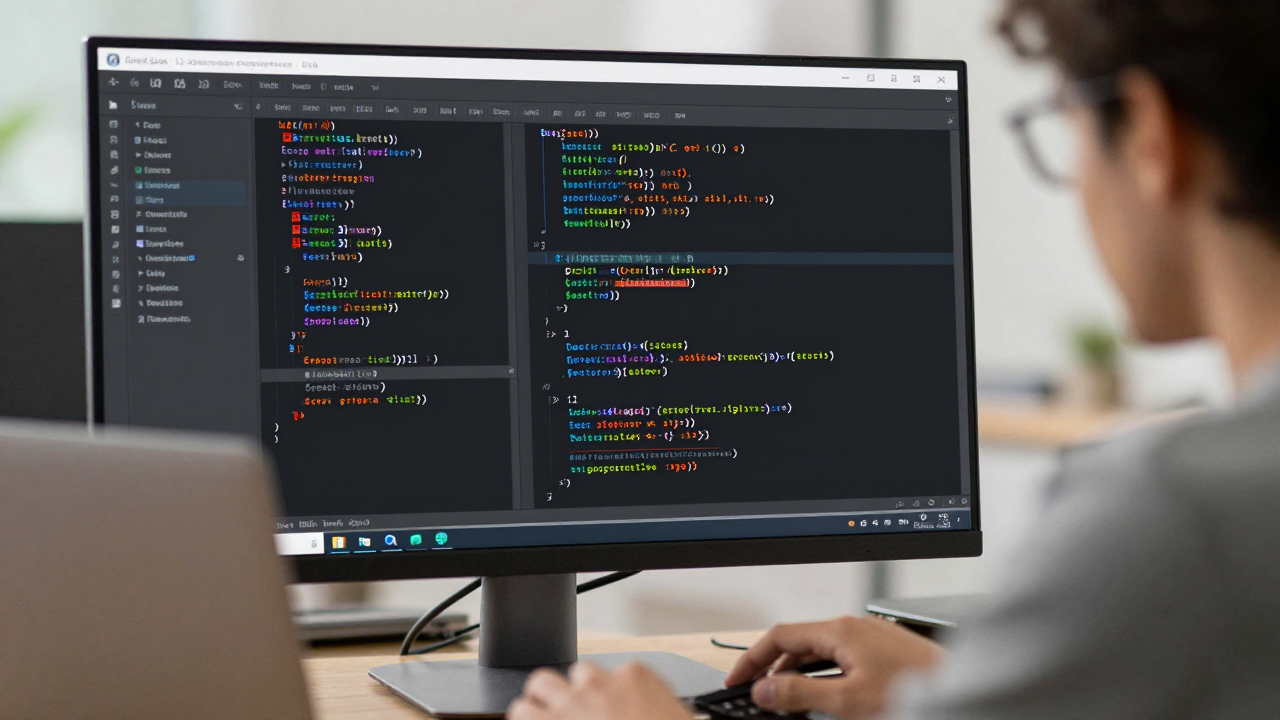
GitHub Copilot Full Review 2026: Is the $10/Month Subscription Worth It?
GitHub Copilot is the most widely used AI coding tool. After years in the market, here is an honest assessment of what you actually get for $10/month.
What Is Included in the Individual Plan
Copilot Completions: Inline code suggestions as you type, across VS Code, JetBrains, Vim, Neovim, and other IDEs. Copilot Chat: A chat interface inside your IDE where you can ask questions about your code, request refactors, and explain errors. Copilot in GitHub.com: Summarize pull requests, explain issues, and get code suggestions directly in the GitHub interface. Copilot in CLI: Get shell command suggestions and explanations in your terminal.
Real-World Productivity Impact
GitHub''s own research cites 55% faster task completion. Independent studies show more modest gains — typically 20-35% for experienced developers on routine tasks. The gains are highest on boilerplate code, test writing, and documentation. They are lowest on novel algorithmic problems where the model has limited training examples to draw from.
The $10/Month ROI Calculation
At a $50/hour developer rate, saving 30 minutes per day saves $25/day — or about $500/month. If Copilot saves even 15 minutes daily, the ROI is obvious. The honest caveat: gains vary heavily by developer and task type.
Free Tier Options
GitHub now offers a free tier for Copilot with 2,000 completions and 50 chat messages per month — enough to evaluate the tool seriously. Verified students and popular open source maintainers get Copilot free.
Alternatives at the Same Price
Codeium is free. Continue.dev is free with local models. Tabnine offers a personal plan at $12/month. Cursor is $20/month but significantly more capable for complex work.
Related Articles

AI Coding for Beginners: How New Developers Should Use AI Without Becoming Dependent
How beginner developers should use AI coding tools without becoming dependent. Use AI to learn and explain code, not just to ship code you do not understand.
Local AI Models for Coding: How to Run Ollama and Keep Your Code Private
How to run local AI models for coding using Ollama. Hardware requirements, setup steps, connecting to VS Code via Continue.dev, and realistic quality expectations.
How to Write Better Prompts for AI Code Generation: Practical Guide
How to write better prompts for AI code generation: specificity, providing context, stating constraints, and common mistakes that lead to poor results from AI tools.