Best AI Coding Tools 2026: Complete Rankings for Developers
Complete rankings of the best AI coding tools in 2026: GitHub Copilot, Cursor, Tabnine, Codeium, and Continue.dev compared across quality, privacy, price, and features.
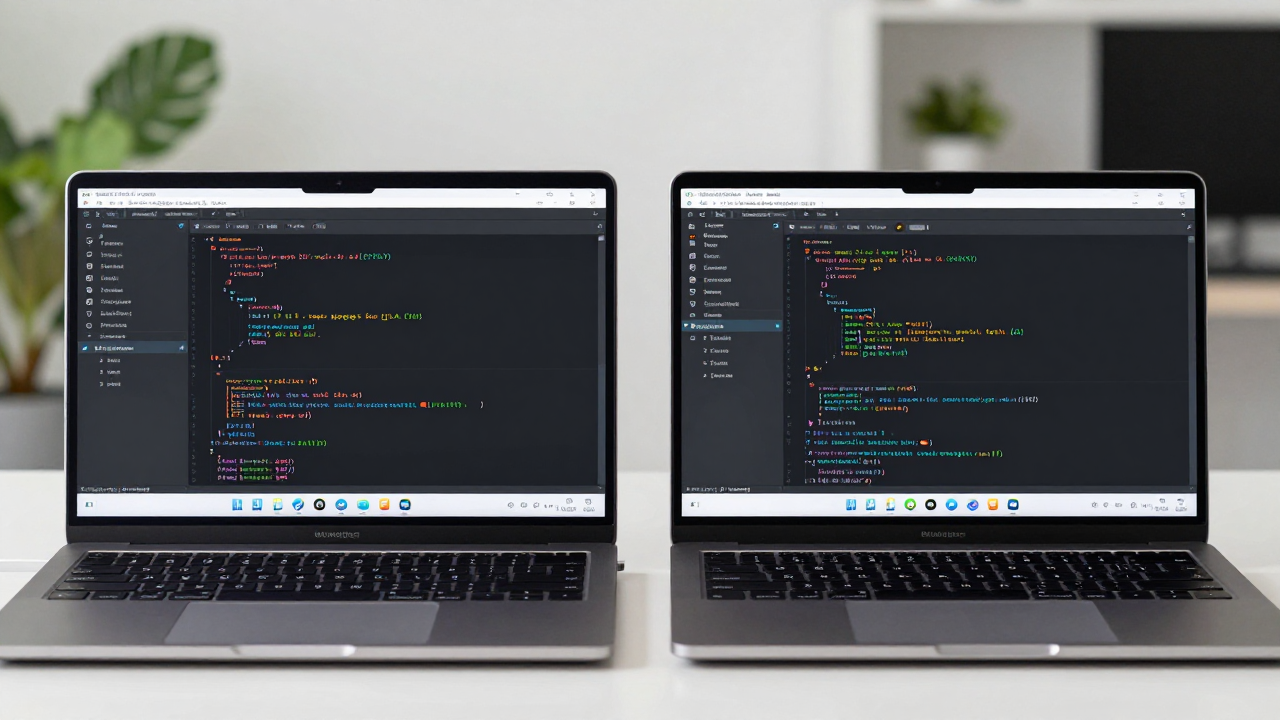
Best AI Coding Tools 2026: Complete Rankings for Developers
The AI coding tool landscape has matured significantly. Here are the definitive rankings for 2026 across every major category.
Most Widely Used: GitHub Copilot
GitHub Copilot remains the most widely deployed AI coding tool, with deep integration across VS Code, JetBrains, Vim, and other IDEs. It uses GPT-4-class models and benefits from Copilot Chat for inline Q&A and codebase context. The GitHub integration — summarizing PRs, explaining issues, and reviewing code — is unmatched by any other tool.
Fastest Rising: Cursor
Cursor is a full IDE built on VS Code with AI at its core rather than bolted on. The Composer feature allows multi-file edits in a single AI session, codebase indexing gives the model context across your entire project, and the Apply feature is noticeably faster than Copilot for large refactors. It is now the preferred tool among many senior engineers.
Best for Enterprise Privacy: Tabnine
Tabnine runs models locally, meaning your code never leaves your machine. It is SOC 2 Type 2 certified, making it the go-to choice for regulated industries — finance, healthcare, and government contractors. Completion quality is lower than cloud-based tools, but the privacy guarantee is unmatched.
Best Free Tier: Codeium
Codeium offers a generous free tier with fast completions across 70+ languages. For developers who want AI assistance without a subscription, Codeium is the clear winner. Quality lags slightly behind Copilot but is competitive.
Best Open Source Option: Continue.dev
Continue.dev is an open-source VS Code extension that connects to any model — including local Ollama models. For teams that want full control over their AI pipeline, it is the only tool that gives you complete flexibility.
Key Metrics That Matter
When evaluating AI coding tools, focus on: completion quality on your primary language, context window size (affects large file performance), IDE compatibility, privacy controls, and price. Avoid making the decision based on demos — real-world performance on your actual codebase is what matters.
Related Articles

AI Coding for Beginners: How New Developers Should Use AI Without Becoming Dependent
How beginner developers should use AI coding tools without becoming dependent. Use AI to learn and explain code, not just to ship code you do not understand.
Local AI Models for Coding: How to Run Ollama and Keep Your Code Private
How to run local AI models for coding using Ollama. Hardware requirements, setup steps, connecting to VS Code via Continue.dev, and realistic quality expectations.
GitHub Copilot Full Review 2026: Is the $10/Month Subscription Worth It?
GitHub Copilot $10/month reviewed for 2026. What you get, real productivity impact, ROI calculation, free tier options, and how it compares to alternatives.